 SQLly
 en
Notebook walkthroughs
Each one is a recording of a notebook being built in the desktop app, with notes on what to look at and chapters you can jump between.
-
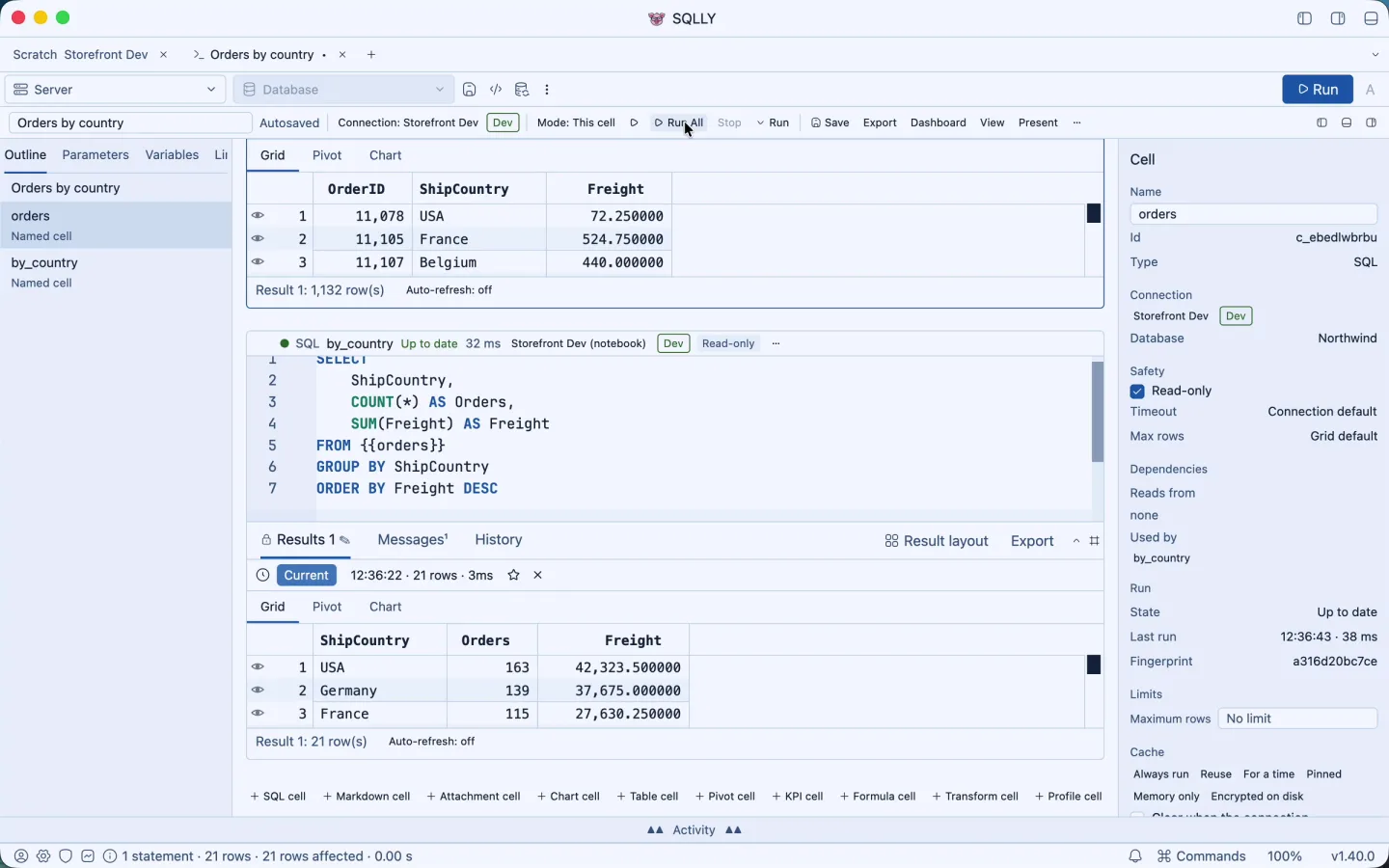
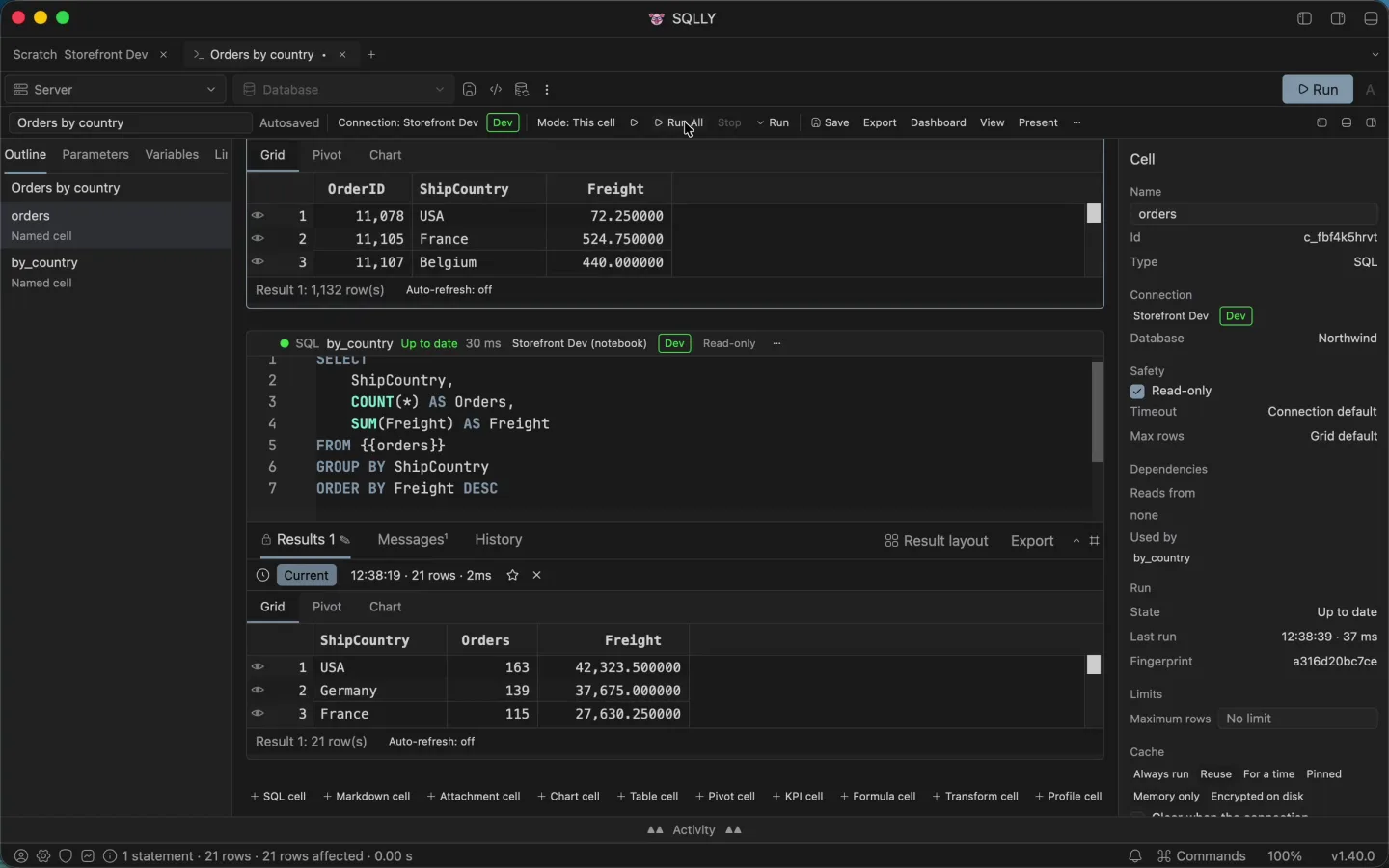 Build a notebook from nothing
1:20
A SQLly notebook built from nothing: a heading, a base query named orders, a cell that reads it with {{orders}}, and an edit that makes it go stale.
-
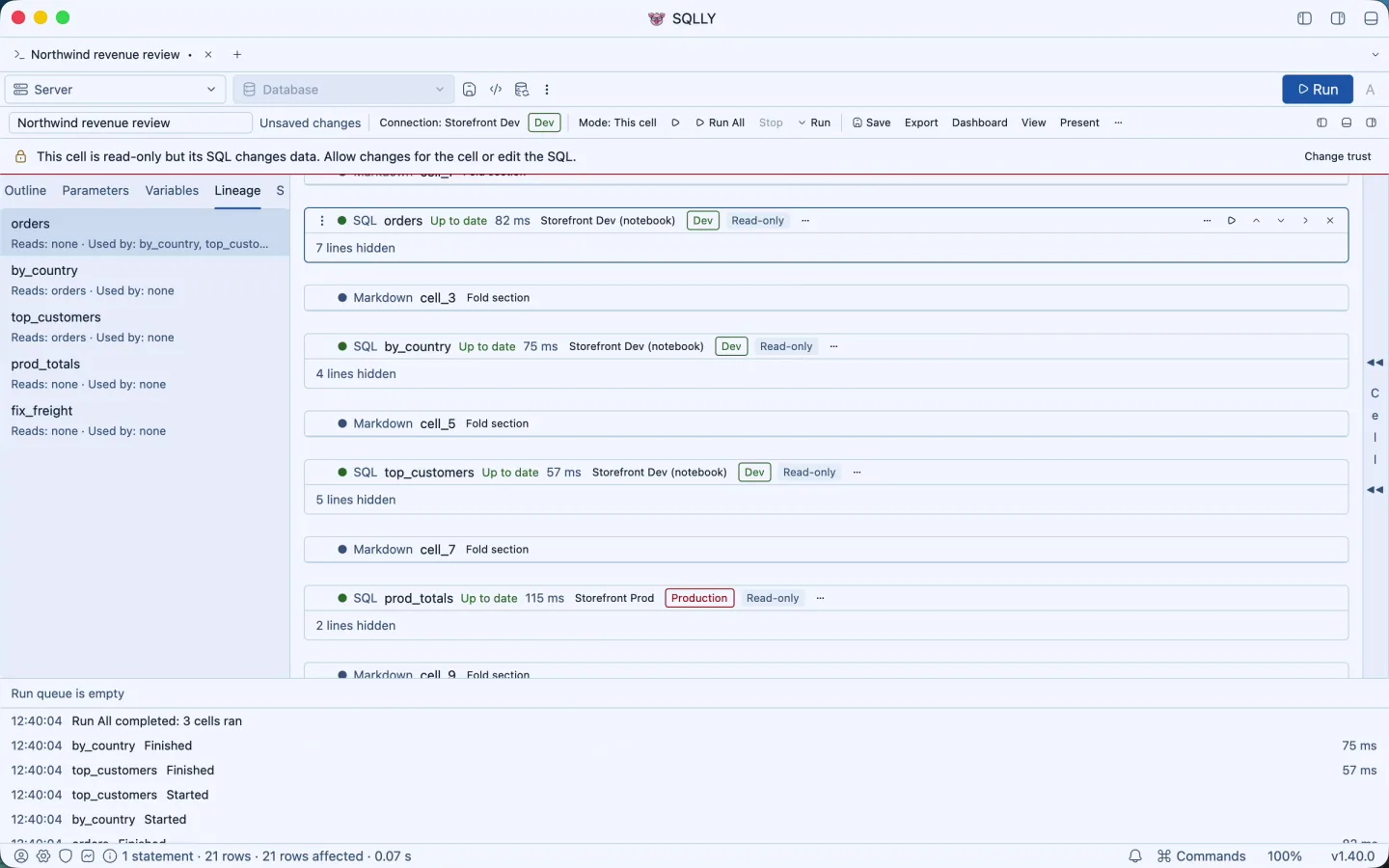
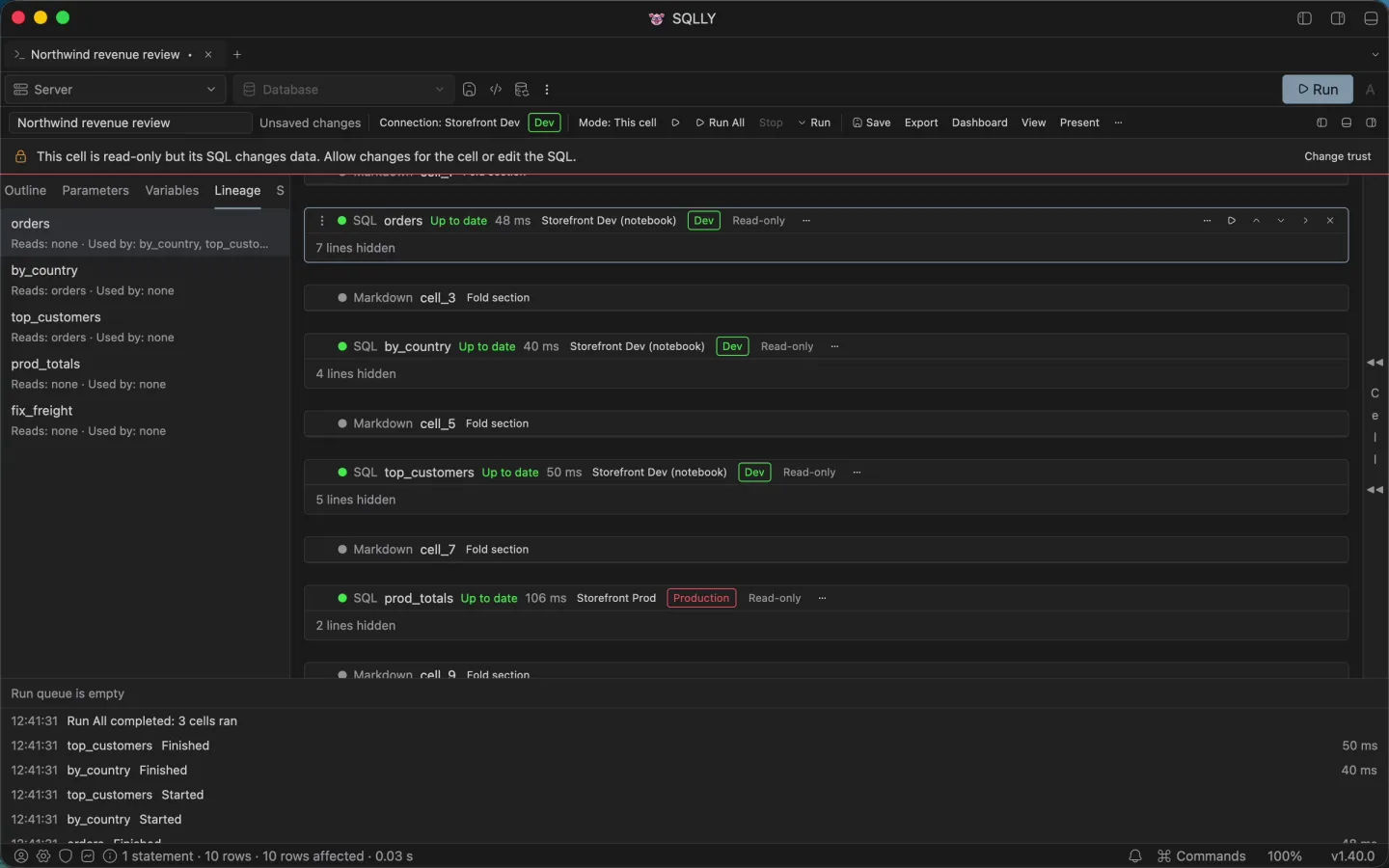 Notebook cells that know what they depend on
0:35
The Lineage rail, an edit to a base query that marks only the cells reading it out of date, and Run Stale Cells, recorded in SQLly.
-
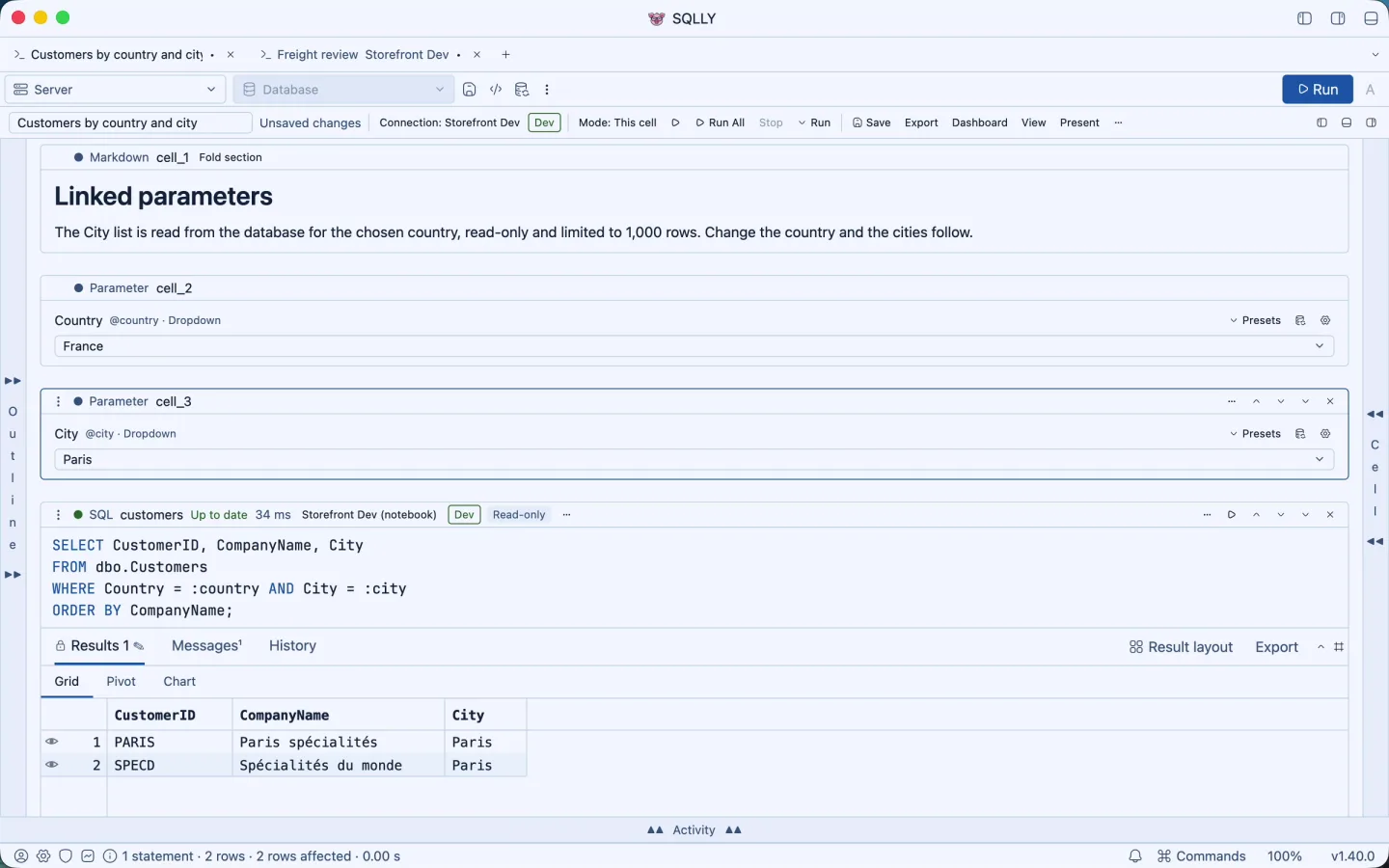
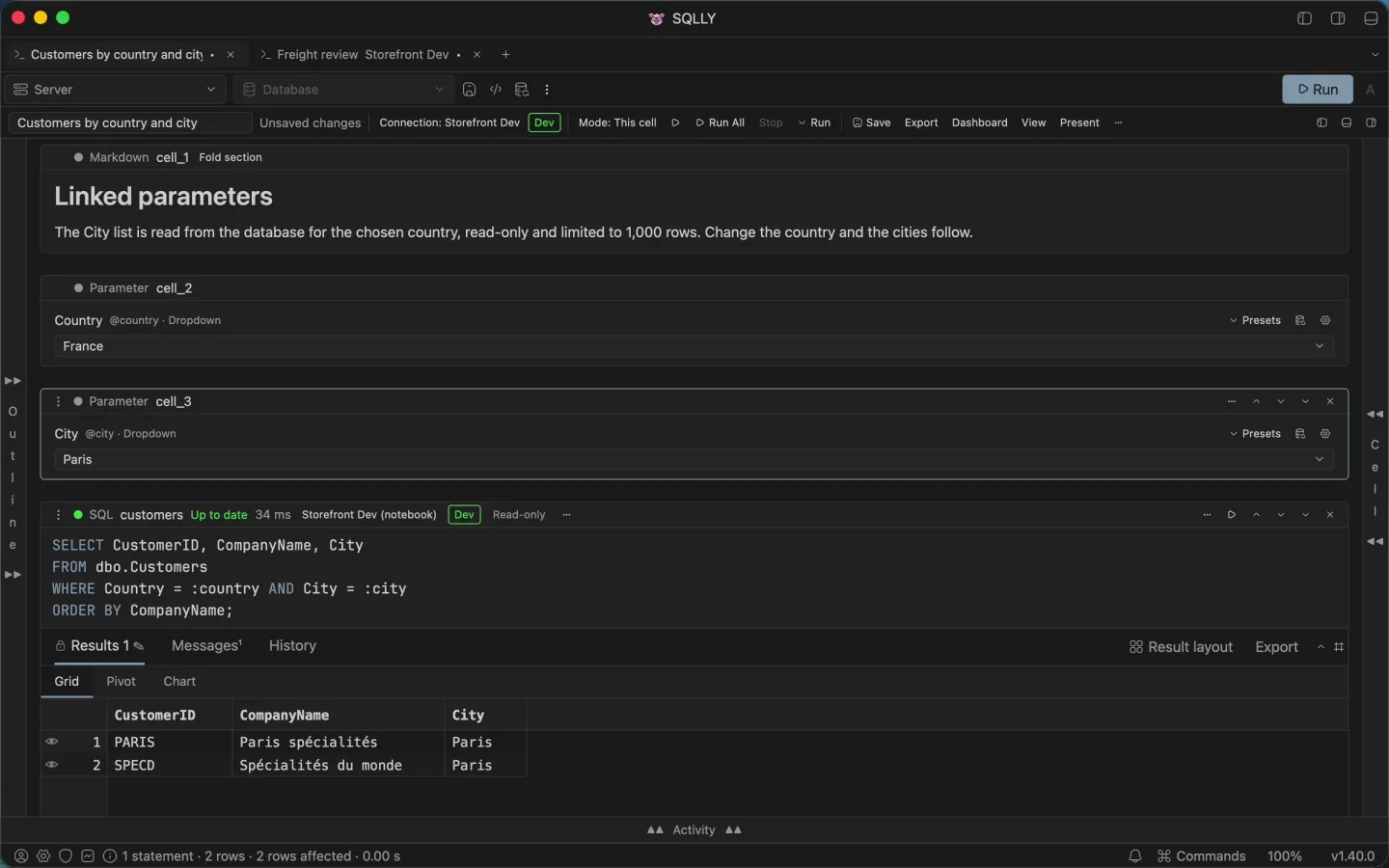 Notebook parameters without the query storm
0:40
A typed parameter that waits behind the Apply bar, Apply re-running only the cells that use it, and a City list read from the database for the chosen country.
-
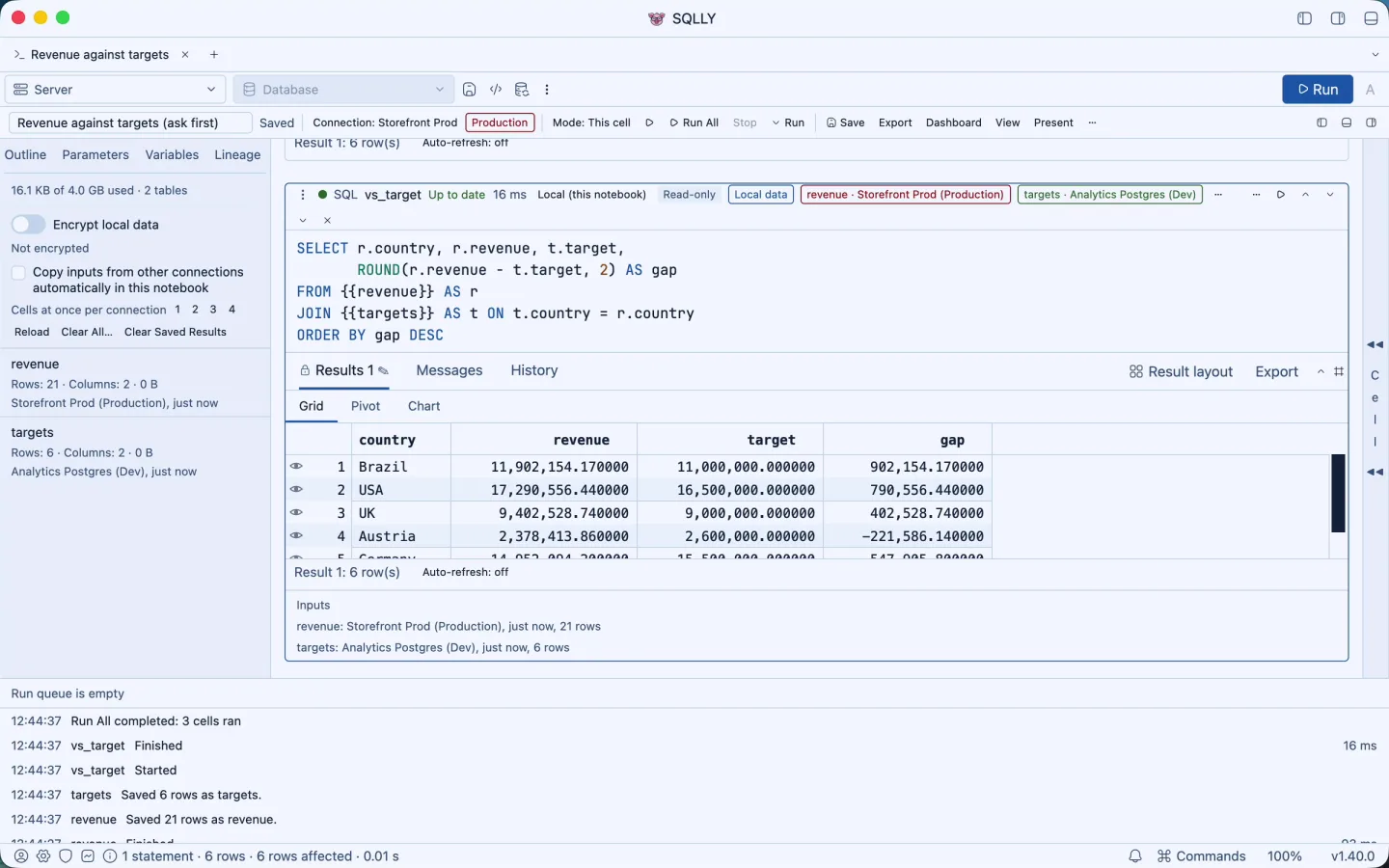
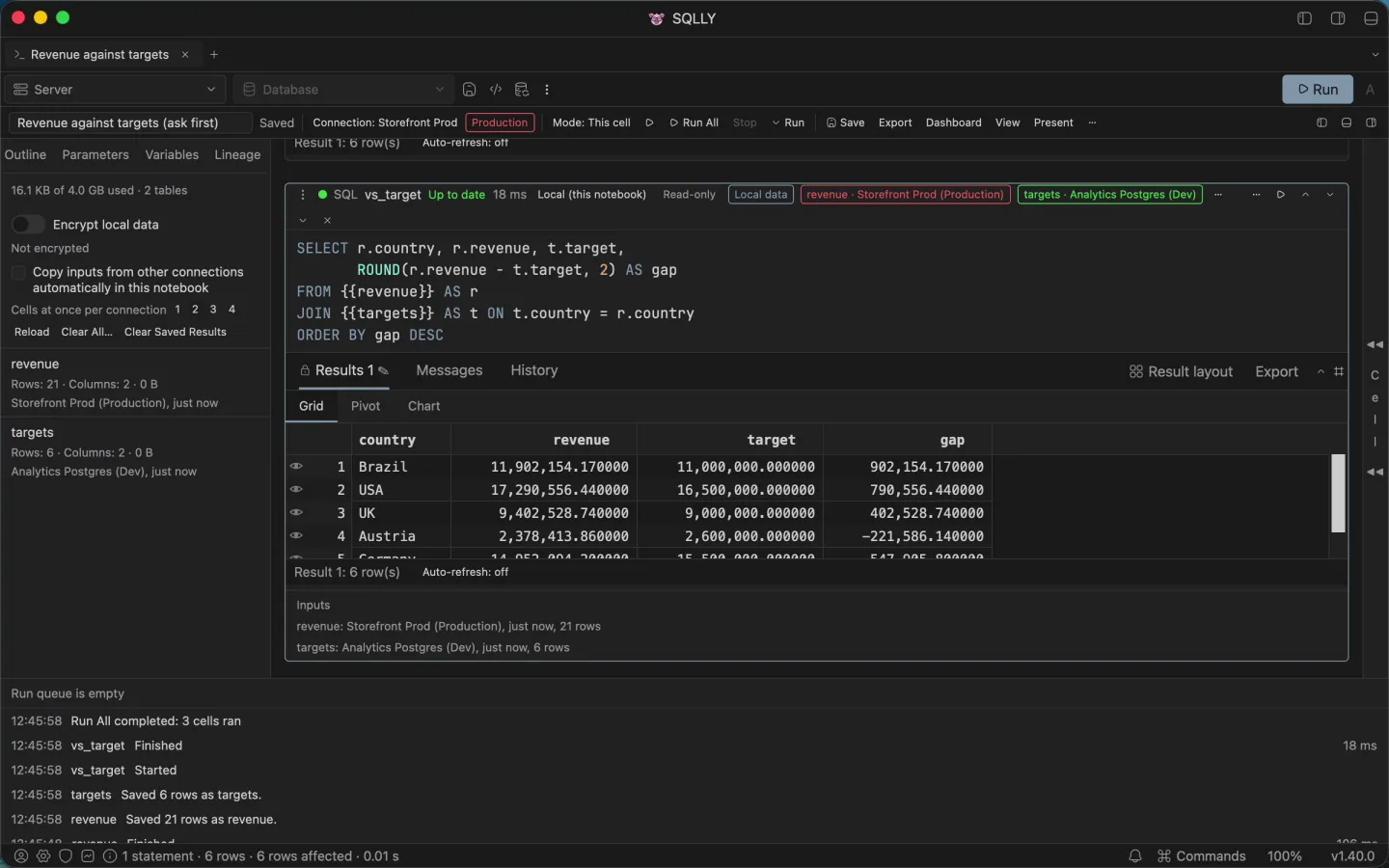 Join SQL Server and Postgres in a notebook
0:50
A notebook cell joins SQL Server revenue with Postgres targets in its own DuckDB data: the copy prompt, the join, provenance and the local data rail.
-
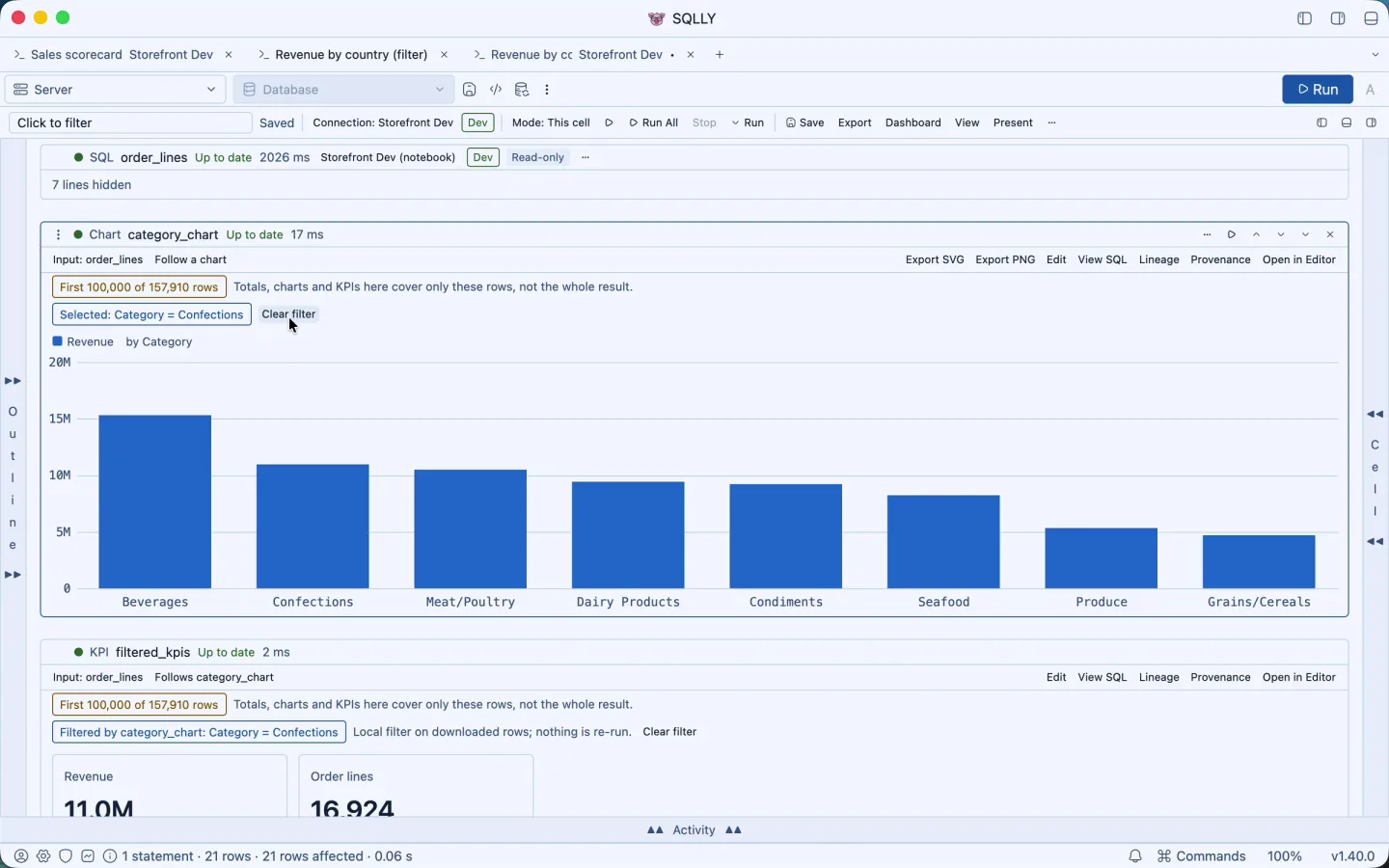
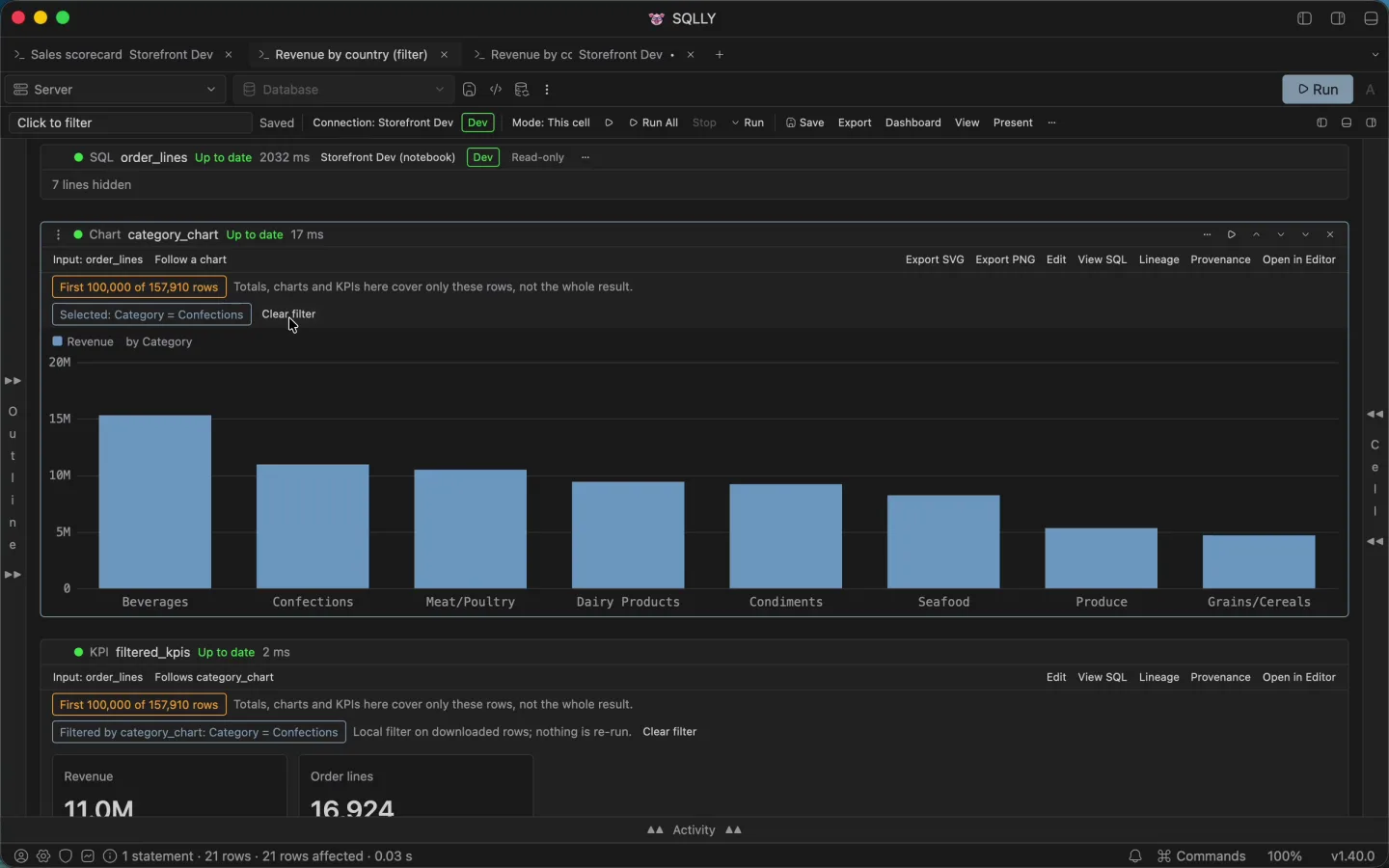 Charts and KPIs from a notebook query
0:30
A chart cell suggests charts that fit a query, KPI tiles compare with last period and a target, and a click on a bar filters the cells after it.
-
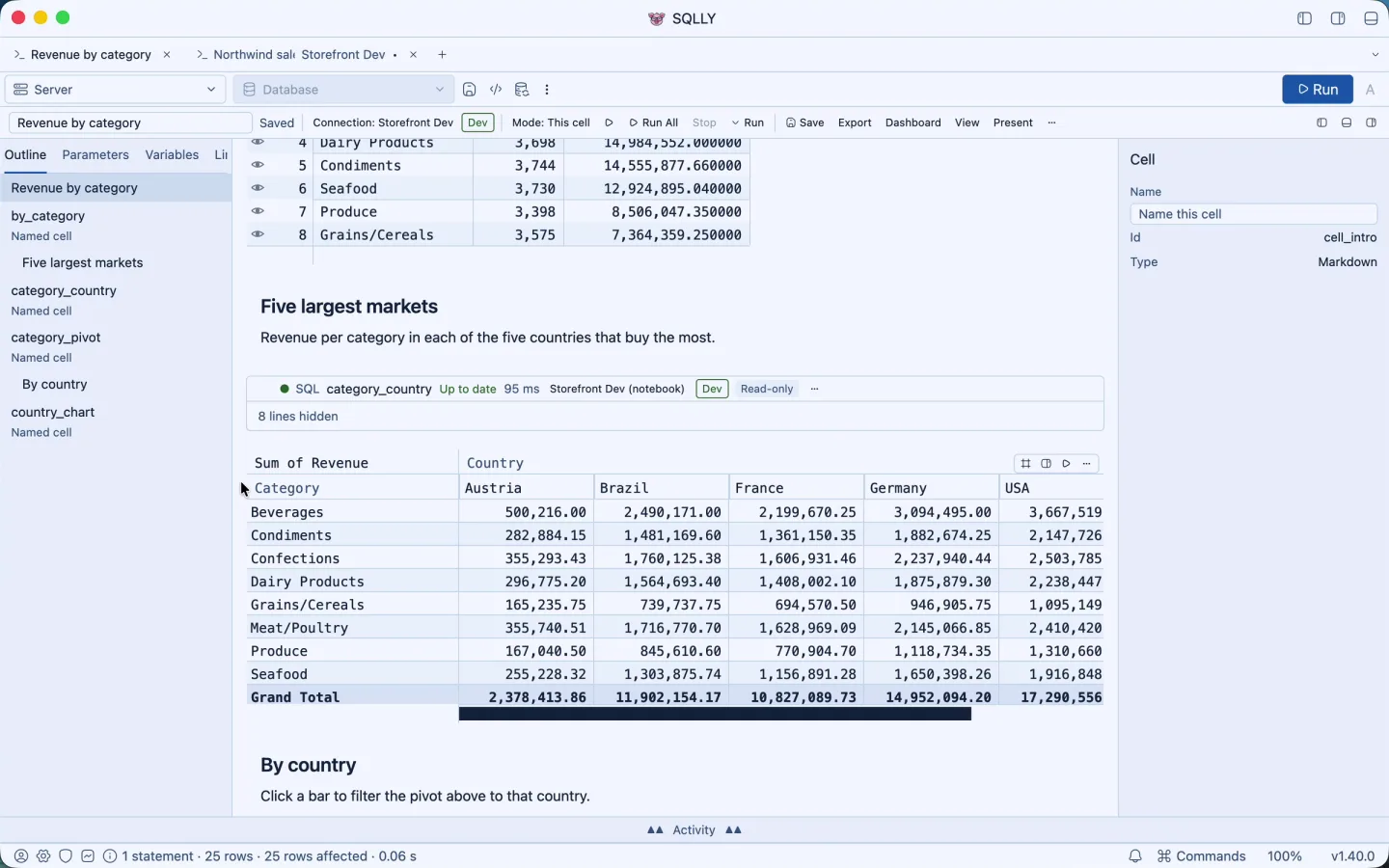
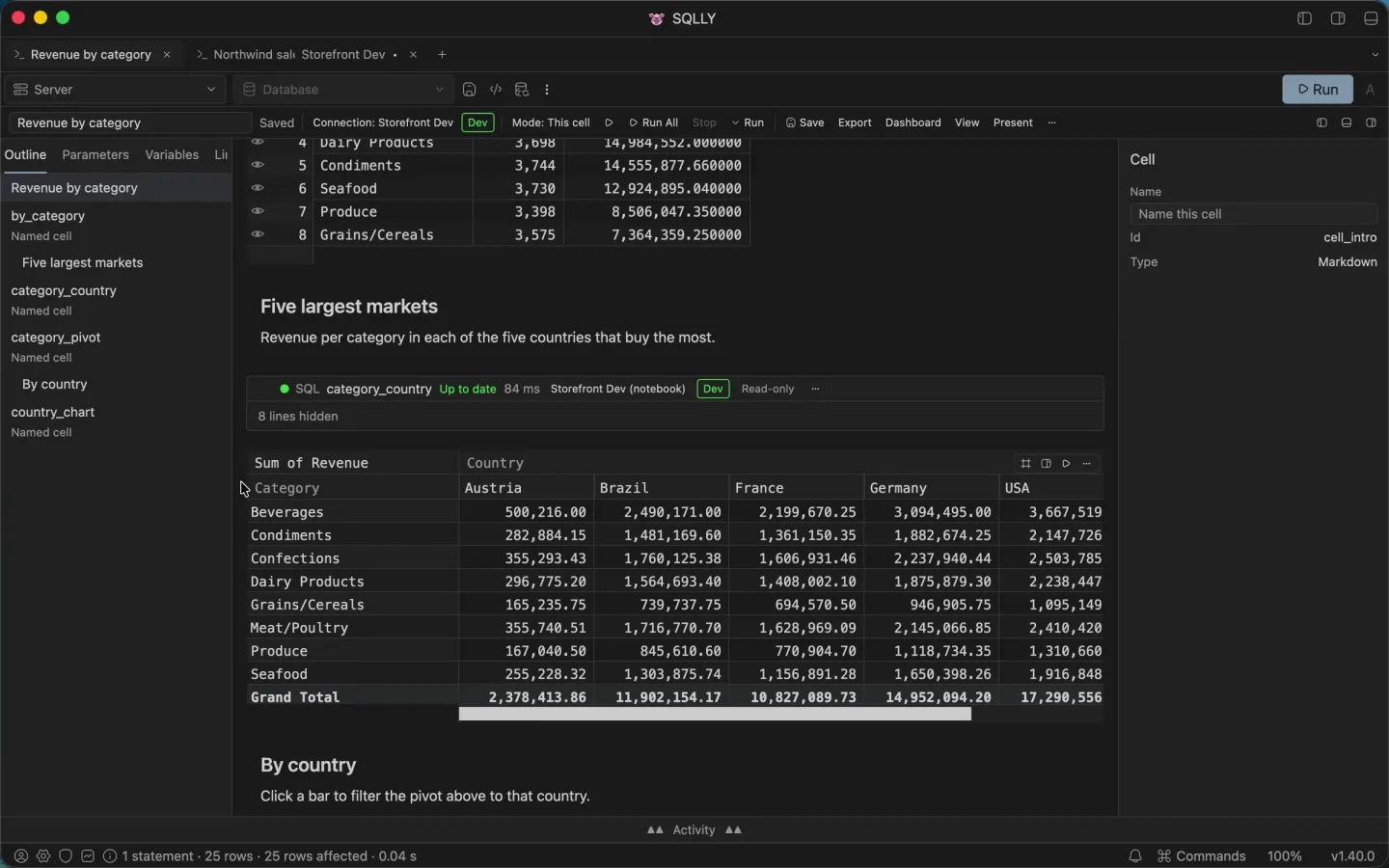 A dashboard and a report from one notebook
0:40
The notebook dashboard editor, a cell added as a tile, the viewer with a typed filter, and a report-style notebook with embedded outputs.
-
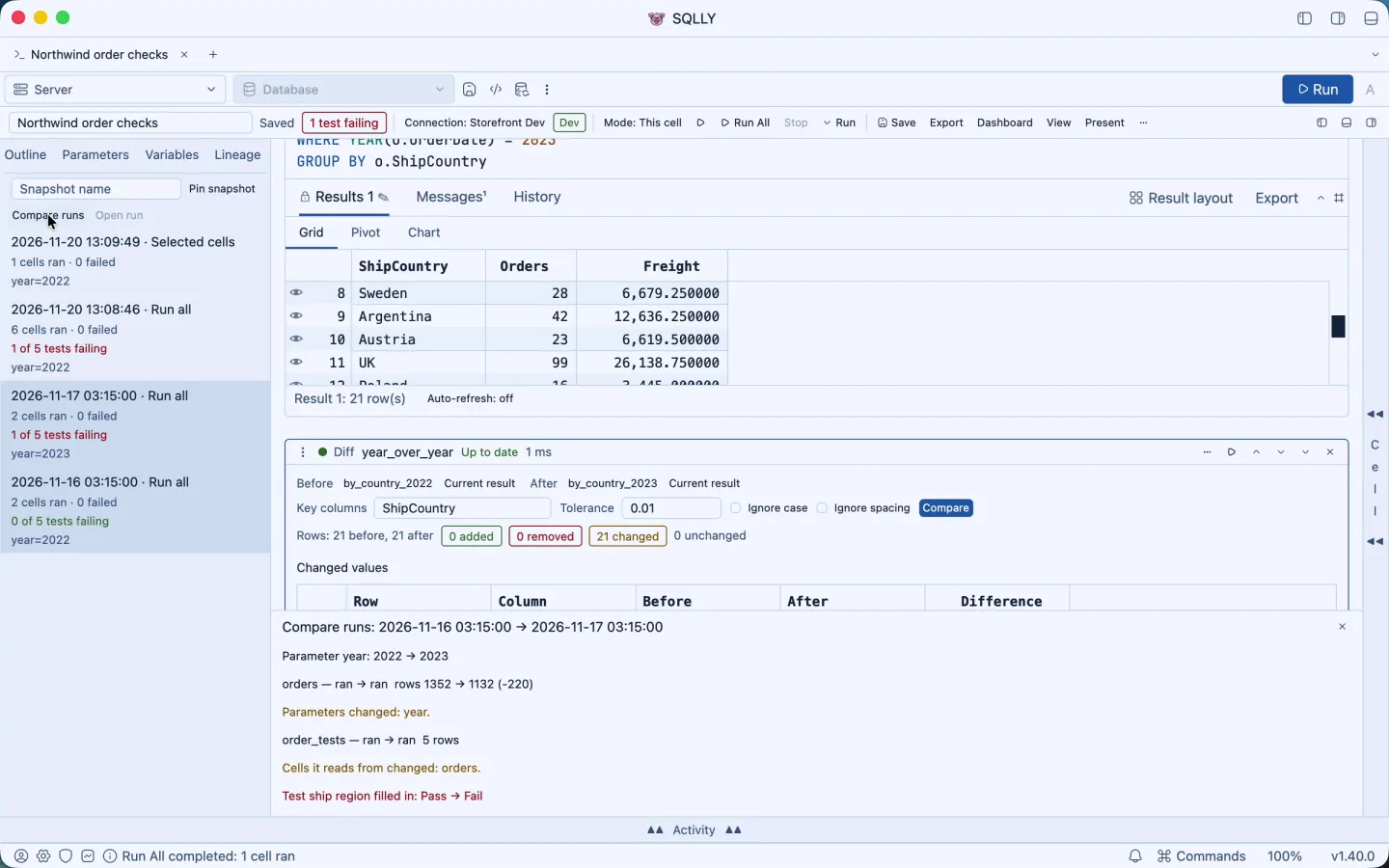
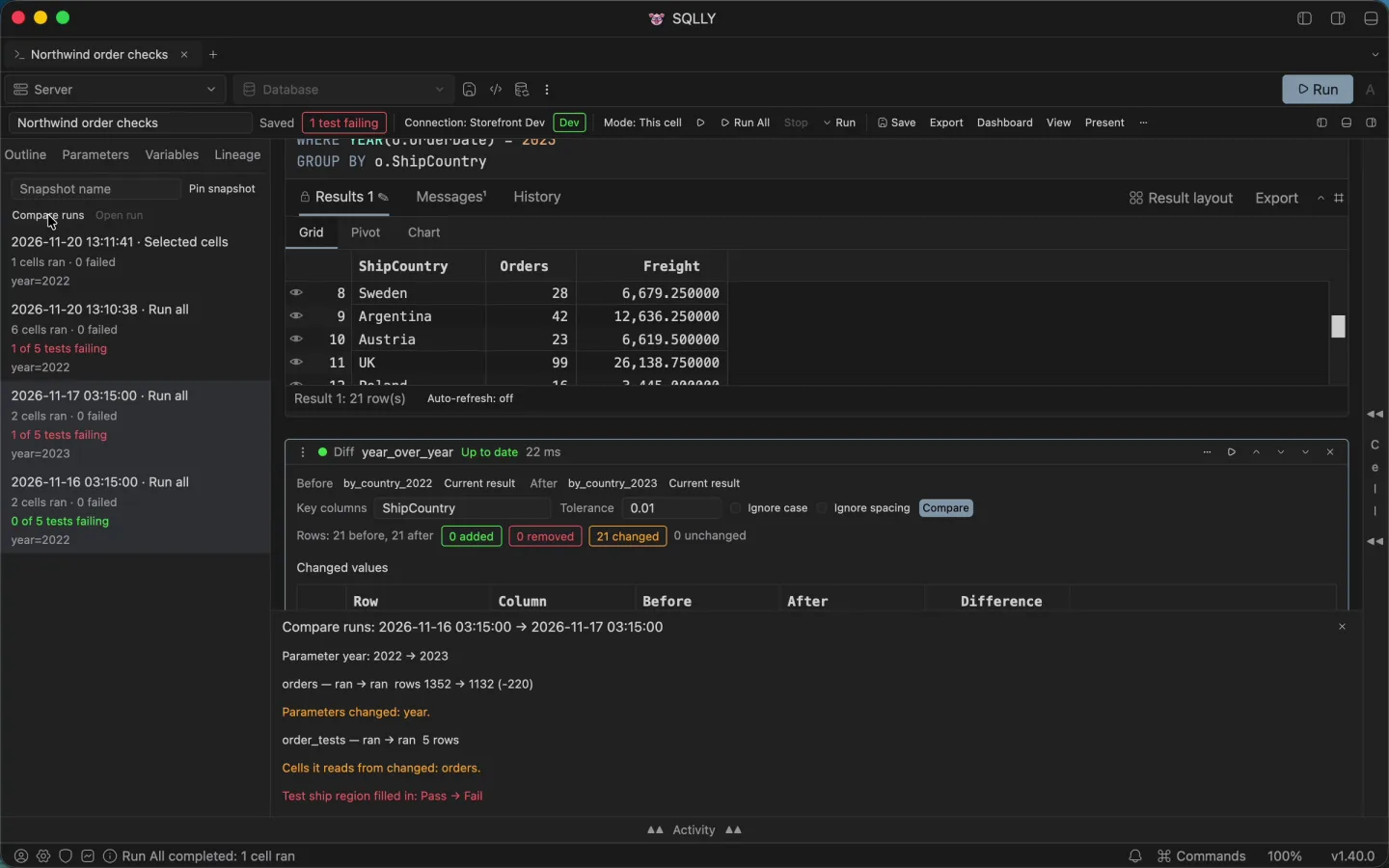 Tests, a diff and two runs compared
1:15
A column profile, a Tests cell with a failing check and its rows, a year-over-year diff, and two runs compared in the History rail.
-
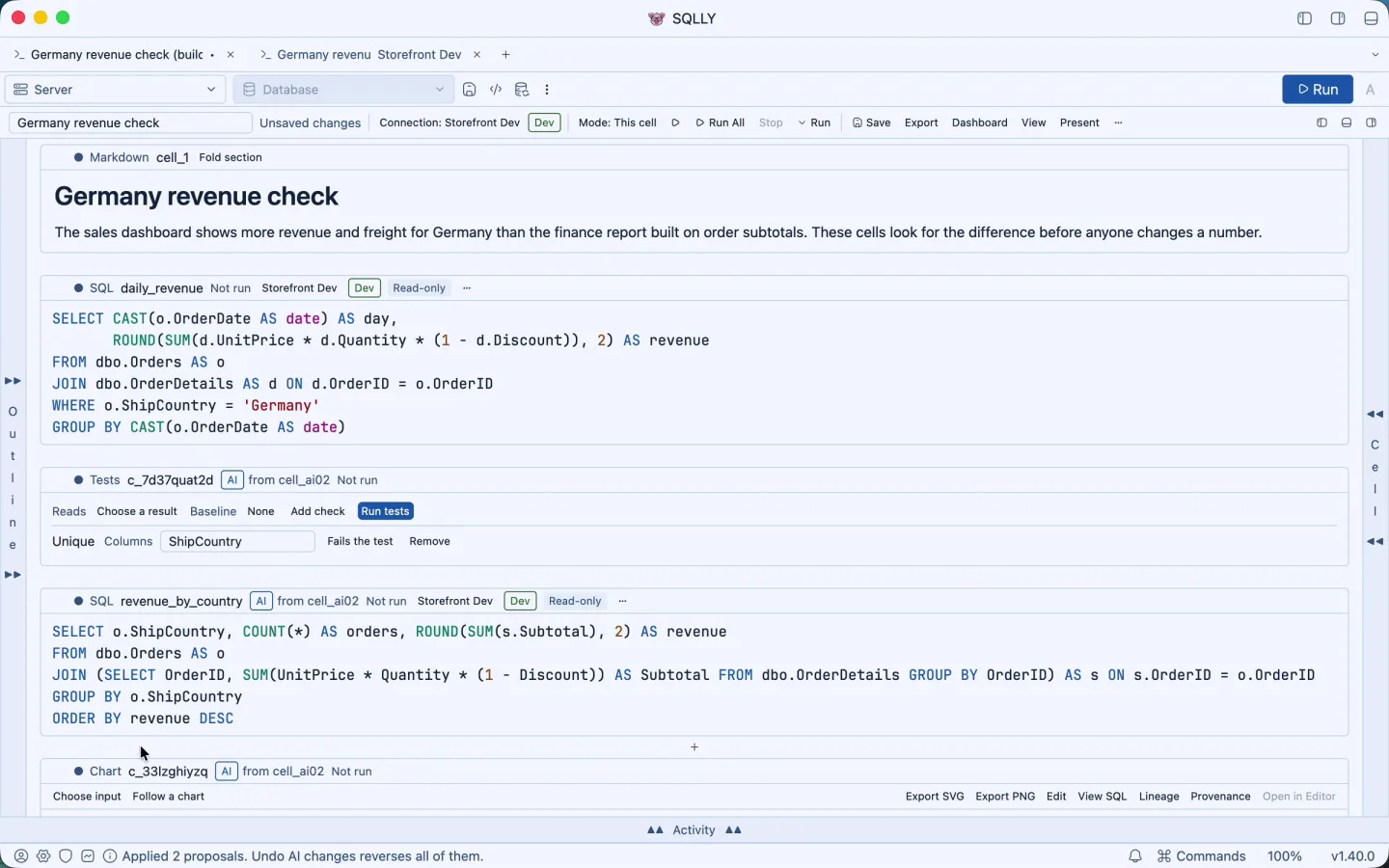
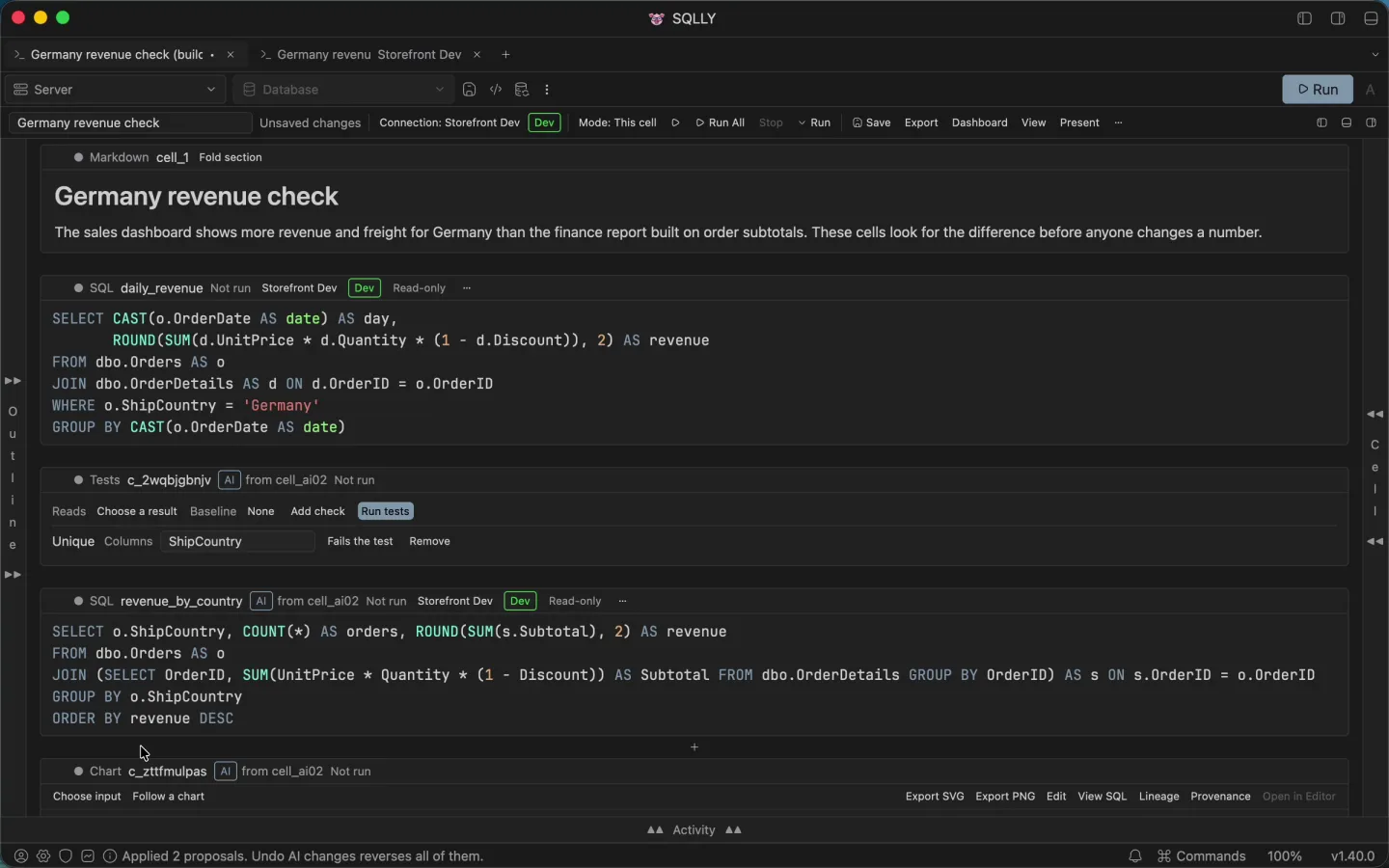 An AI notebook cell that shows its evidence
0:30
A saved AI investigation in a SQLly notebook: findings labelled by kind with their evidence, the budget, and build proposals that wait for approval.
-
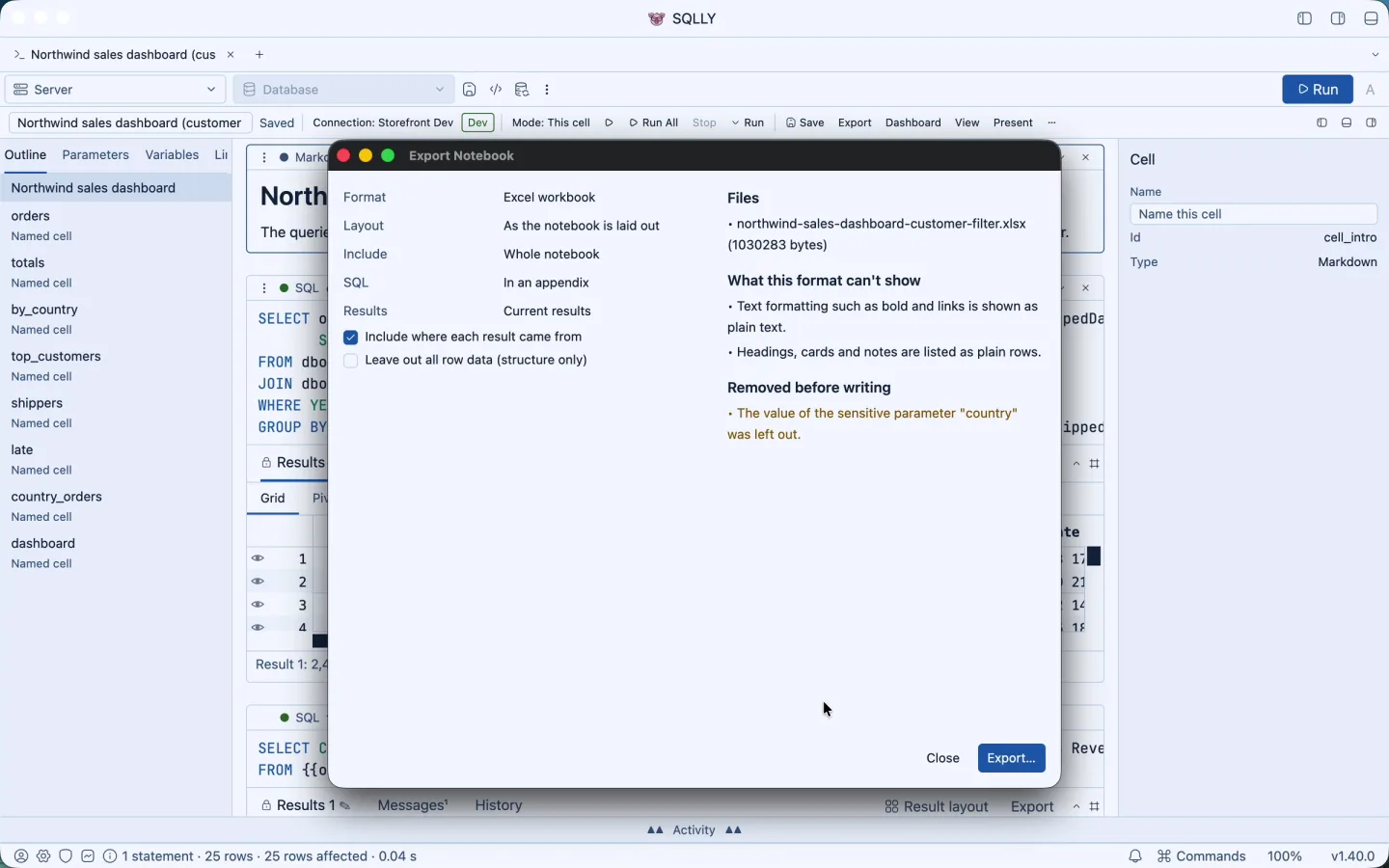
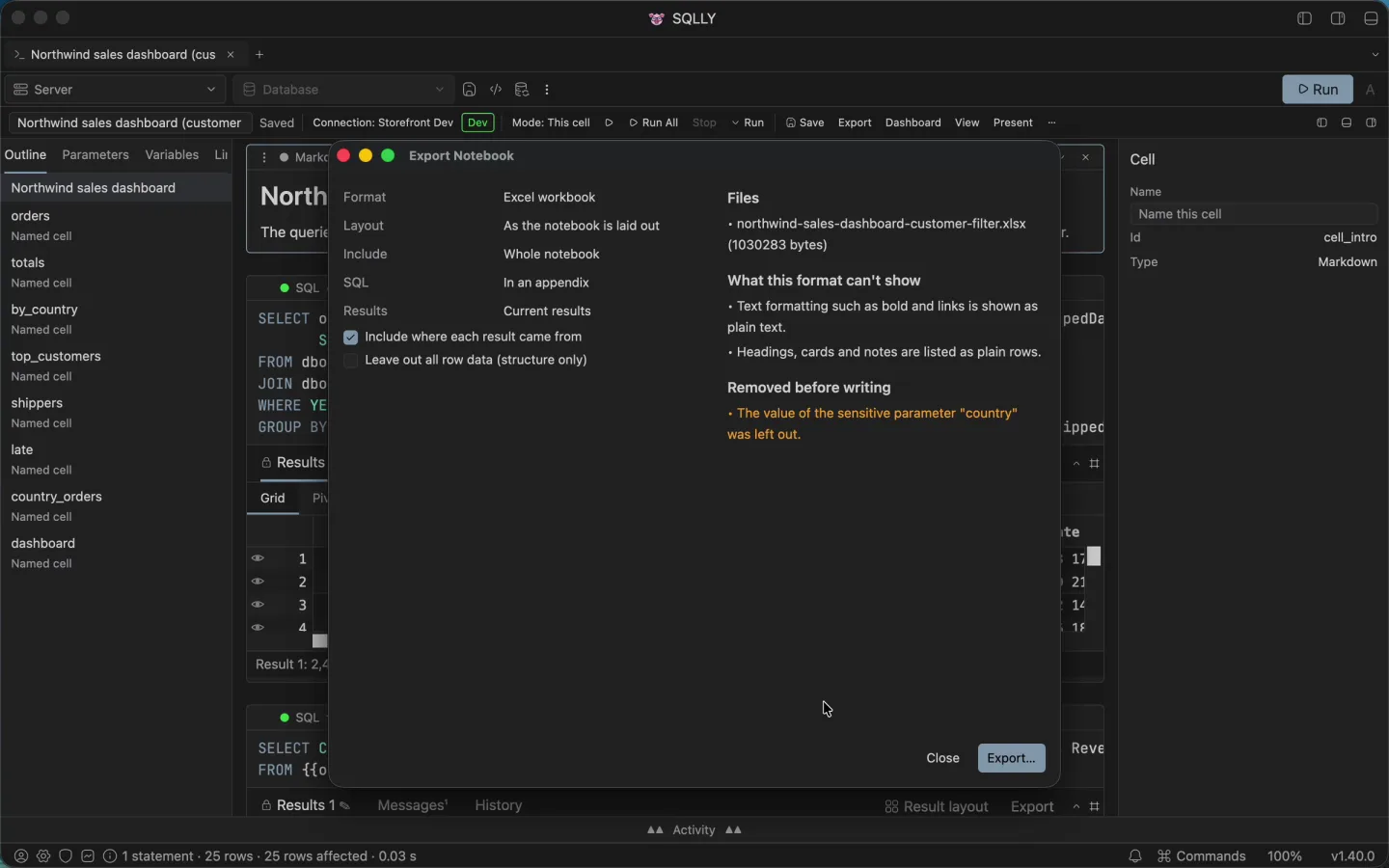 Notebook exports and what they drop
0:30
The notebook export dialog: five formats, the fidelity report of what each one keeps and drops, and redaction of a sensitive value.
-
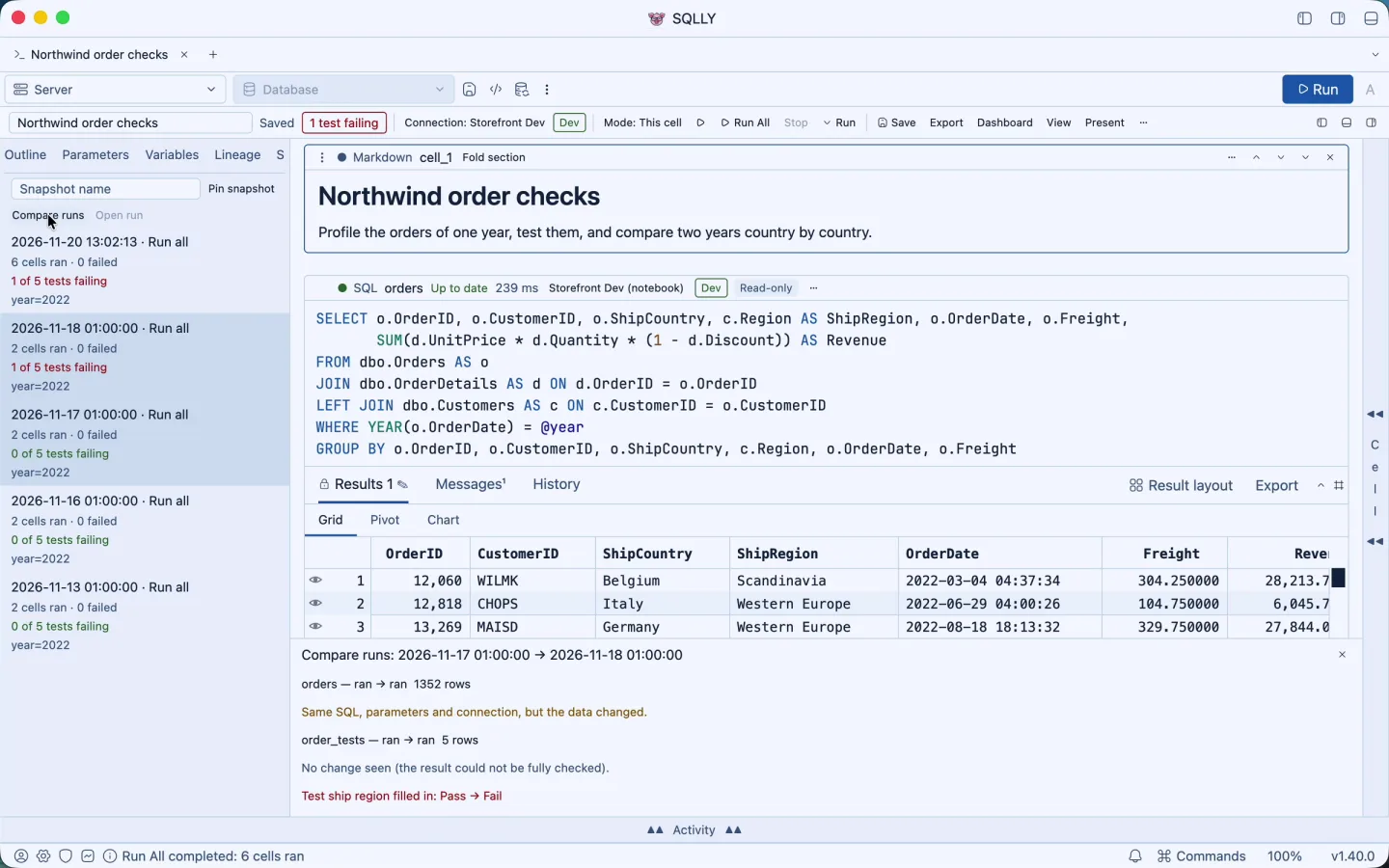
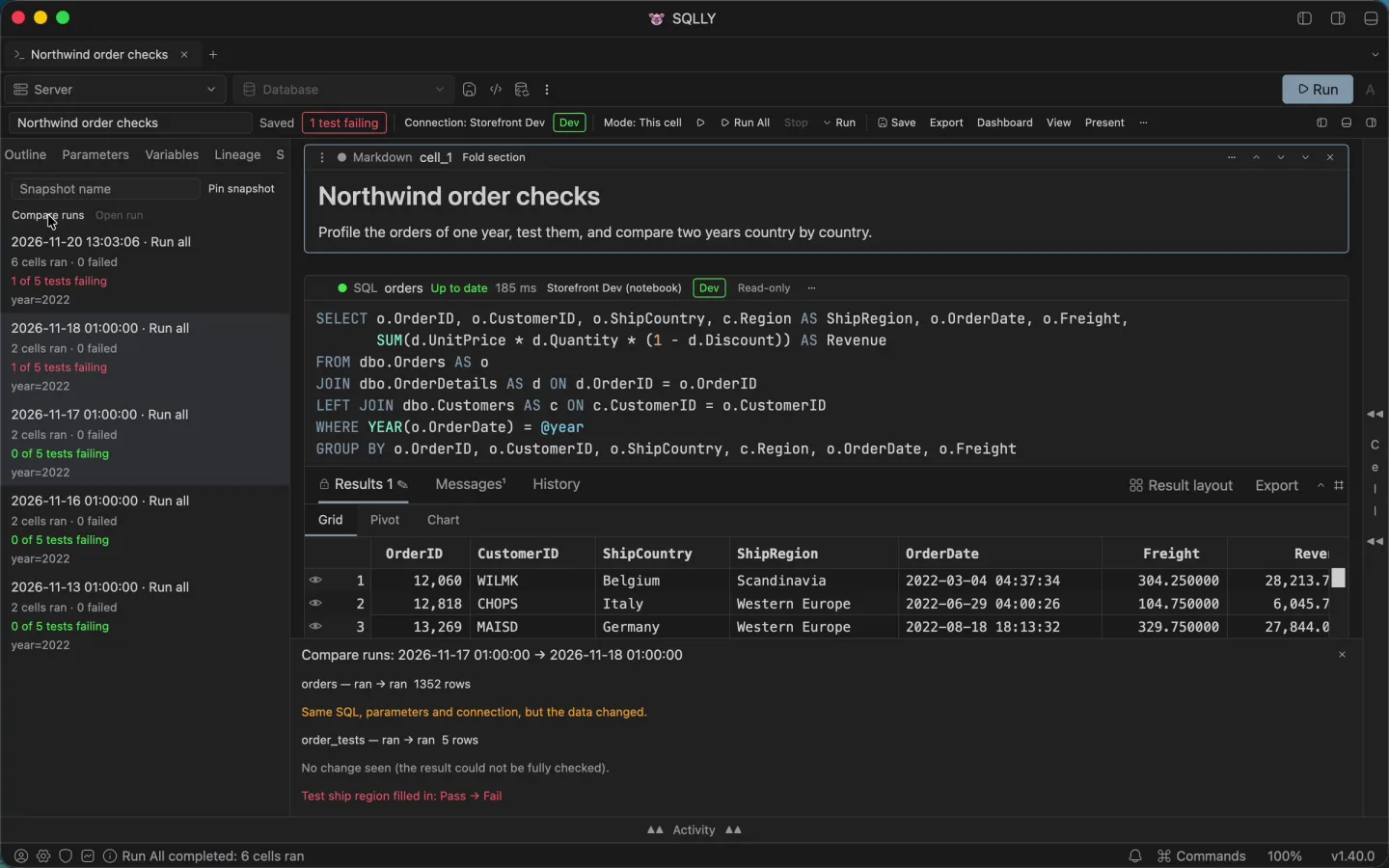 What a scheduled notebook leaves behind
0:30
Scheduled notebook runs in the History rail: their tests, a run with a failing check, and a compare against the run before it.
-
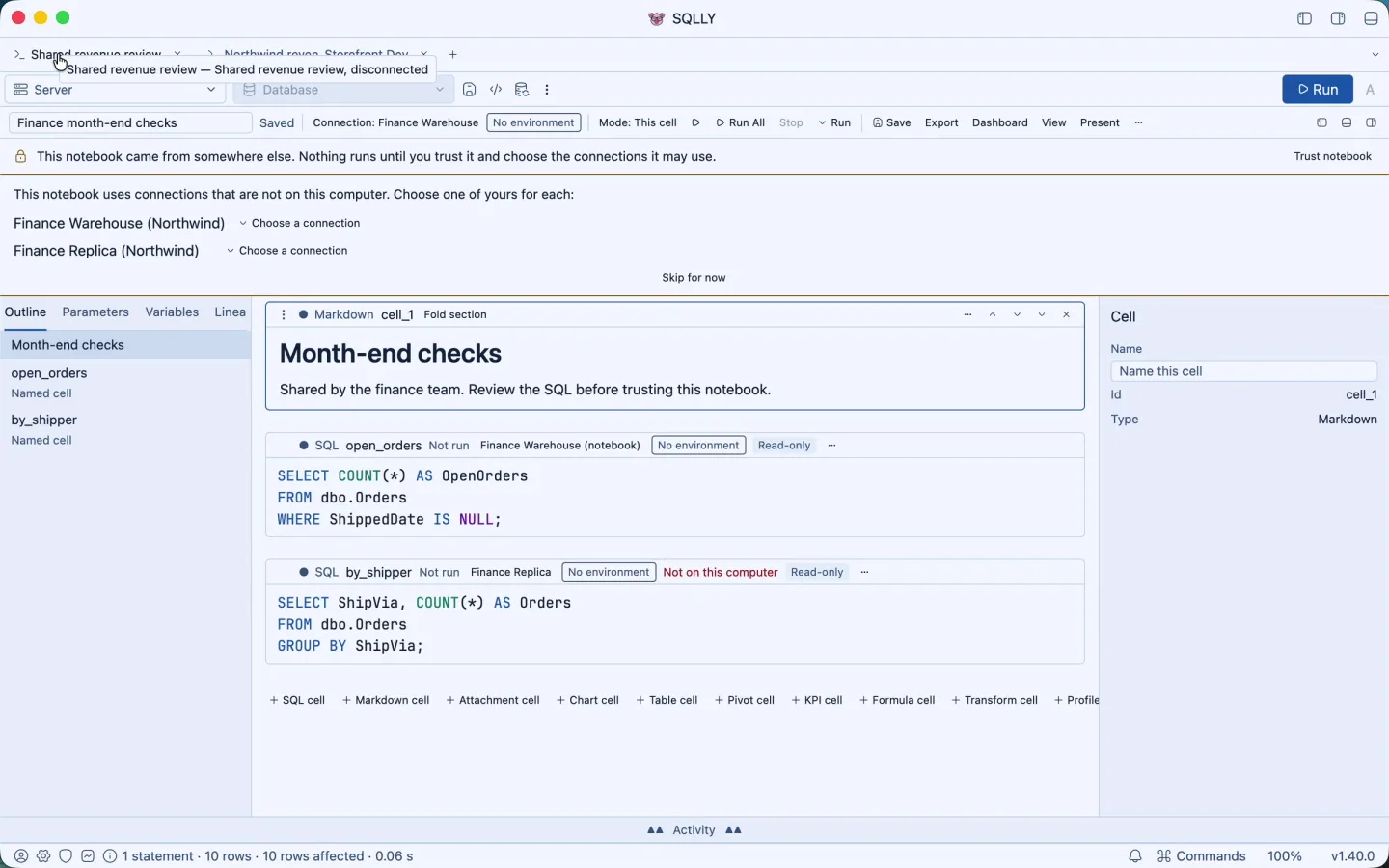
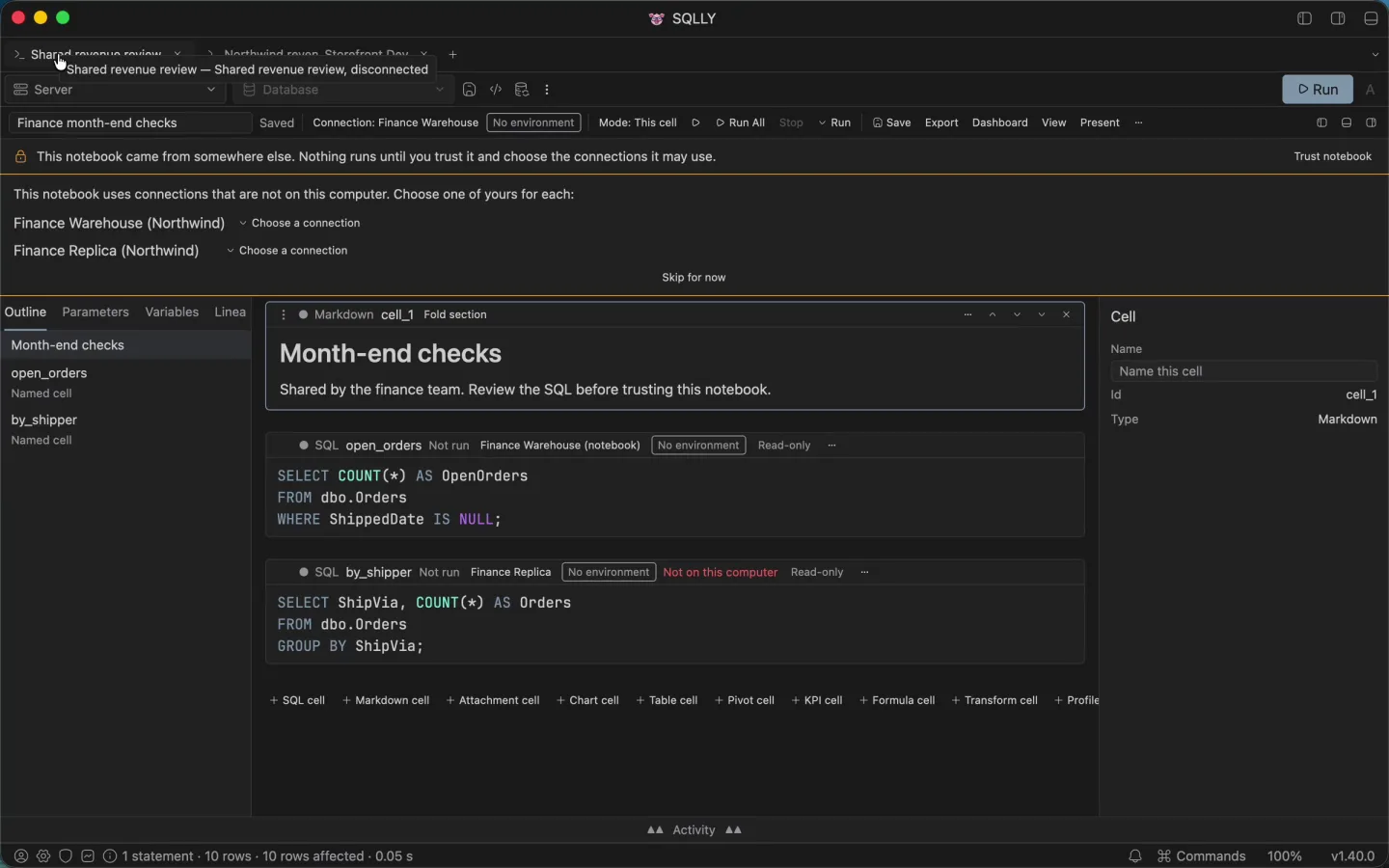 Trust, read-only cells and Allow writes
0:50
A SQLly notebook from another computer opens behind the trust banner; read-only trust, a cell that changes data held until Allow writes, and connection remapping.